
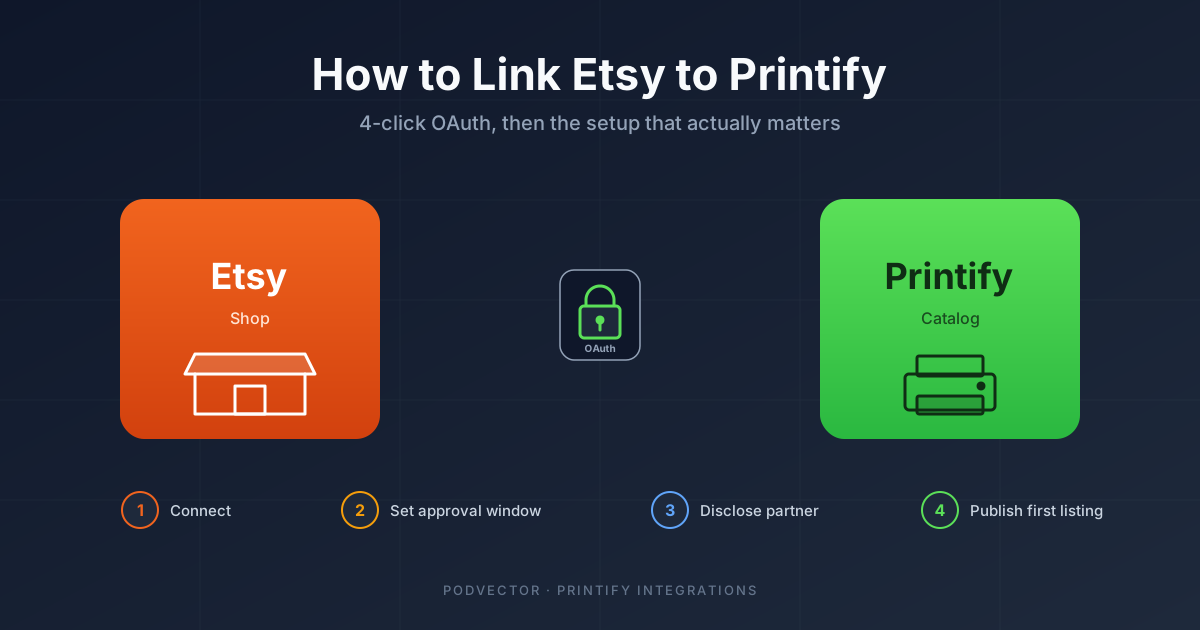
Quick Answer: In Printify, open My Stores → Add New Store → Etsy, click Connect, sign in to Etsy, and approve the permissions. The link takes about two minutes.
The harder part comes after: setting your order-approval window, disclosing Printify as a production partner on every listing, and avoiding the publish errors that block roughly two in three first listings.
Prerequisites Printify won't mention upfront
Before you click Connect, three things need to be in place. If any are missing, the link will go through but publishing the first product will fail.
You need an active Etsy seller account — not just an Etsy buyer login. Etsy charges a one-time $15 setup fee plus $0.20 per listing, billed to the card on file.
You need a valid payment method on Etsy for those listing fees. Printify pushes listings as drafts first, but the moment you click Publish, Etsy bills $0.20. A failed charge stops the publish flow with a vague error.
You need to know that Etsy's policy requires you to disclose your production partner on every listing that uses one. We cover this below, but read it before pushing 50 products — fixing it retroactively takes hours.
How to link Etsy to Printify (4-click walkthrough)
From the Printify dashboard:
- Click My Stores in the left sidebar.
- Click Add New Store (top right).
- Pick Etsy from the platform list and click Connect.
- Sign in to your Etsy account in the popup and click Allow Access.
Printify redirects you back to a confirmation screen. Your shop name should appear under My Stores within a few seconds.
If the popup never opens, your browser is blocking it. Re-try in an incognito window with extensions disabled. The OAuth flow does not work reliably in Safari with strict tracking prevention enabled — Chrome or Firefox is safer.
What the OAuth grant actually gives Printify
The Allow Access button grants Printify four scopes on your Etsy account: read shop info, manage listings, read orders, and read transactions.
That is enough for Printify to create and update listings, see incoming orders, and read what the buyer paid. It is not enough to issue refunds, message buyers, or change shop policies. Those still happen inside Etsy.
The token does not expire on a fixed schedule, but Etsy invalidates it if you change your Etsy password or revoke access from Settings → Apps and Services. A revoked token shows up in Printify as a vague "store disconnected" warning — reconnect from My Stores.
Order-approval window: 1 hour, 24 hours, or manual?
Open My Stores → Etsy → Settings → Order Approval. Three options: instant, 24-hour delay, or manual approval per order.
Manual is the safest default for the first 50 orders. You see every order before Printify sends it to production. The trade-off: you have to log in and approve, which adds 6–12 hours of fulfillment lag.
24-hour delay is the right middle ground once you trust your variant catalog. Etsy buyers can cancel within 24 hours; the delay gives you a refund window before production starts. Most sellers running 10+ orders a day end up here.
Instant only makes sense at scale (50+ orders/day) where the cost of human review exceeds the cost of the occasional cancellation refund.
Pushing your first product without a publish error
In Printify, design a product, pick variants, set retail price, and click Publish. Printify pushes it to Etsy as a draft listing, not a live one.
You have to go to Etsy → Shop Manager → Listings → Draft, open the listing, and click Publish yourself. The first $0.20 listing fee is billed at this step.
Three things commonly fail. Variant SKUs duplicate across products — Etsy rejects this silently and the listing stays stuck in draft. Use the Printify SKU generator instead of copying.
The product photo URL is too large — Etsy caps at 10 MB per image. Printify usually compresses correctly, but custom-uploaded mockups can blow the cap.
You haven't filled in the production-partner field on the Etsy side. Etsy blocks publish on this and the error message buries the cause three menus deep.
Adding Printify as a production partner on every listing
This is the single biggest cause of new-seller suspensions. Etsy requires you to declare any third party that physically makes your product, and Printify counts.
In Etsy → Shop Manager → Settings → Production Partners, click Add a Production Partner. Name: Printify. Location: United States (or whichever region your print provider is in — Printify routes to multiple providers, so picking "United States" is the safe general answer). Describe what they do: print and ship on demand.
Then on every listing — including ones Printify pushes automatically — you have to tick the box for which production partner makes that item. Printify cannot do this for you. Etsy's API doesn't expose the production-partner field for writes.
If you skip this, Etsy can suspend your shop without warning the first time a buyer reports a quality issue. Bootstrapping Ecommerce covers the publish-failure side of this in more depth.
The real take-home per unit (after Etsy + Printify + shipping + ads)
Here is what most "connect Etsy to Printify" guides skip. Once you're linked, you need to know what you actually keep per sale.
Take a $24.99 t-shirt as the example. Etsy takes a 6.5% transaction fee ($1.62), a $0.20 listing fee, a 3% + $0.25 payment processing fee (~$1.00), and Offsite Ads or VAT/sales tax pass-through depending on your region.
Printify charges its base cost — for a Gildan 5000 with a single-color print, roughly $7.99 — plus shipping (~$4.45 in the US for first item). If you run Etsy Ads at a 10% spend ratio, that's another $2.50 off the top.
Math: $24.99 − $1.62 − $0.20 − $1.00 − $7.99 − $4.45 − $2.50 = $7.23 take-home per shirt. That's a 29% net margin, before income tax. Most new sellers price too low because they only subtract the Printify base cost.
Promo-driven pricing makes this worse. If you're stacking Etsy sales with Printify promos, read our breakdown of how Printify promo codes actually affect your margin before launching a 30%-off campaign.
Running Etsy + Shopify off one Printify catalog
Once your Etsy link is solid, the next question is whether to add Shopify on top.
Printify supports multiple stores from one product catalog. You design the t-shirt once, push it to both Etsy and Shopify, and orders from either platform flow back through Printify for fulfillment.
The upside: one design library, one inventory system, no SKU drift. If a Gildan 5000 goes out of stock at the print provider, both stores see it.
The downside: tax handling. Etsy collects sales tax for you in most US states. Shopify does not — you set tax rates per state yourself. Running both means reconciling two different tax-collection regimes at the end of the year.
If you're considering it, our Shopify-Printify integration setup guide walks through the same OAuth flow on the Shopify side. The OAuth scopes are different — Shopify grants more write access by default — and the order-approval flow defaults to instant rather than manual.
5-minute debug checklist for post-link failures
When something breaks after a working link, walk this list before opening a support ticket:
- Store shows "disconnected" in Printify. Your Etsy token was revoked — usually a password change. Reconnect from My Stores → Etsy → Reconnect.
- Listing stuck in draft. Either missing production partner, missing tags (Etsy requires 13), or a duplicate SKU. Open the draft directly in Etsy to see the specific error.
- Order showing in Etsy but not Printify. Wait 15 minutes — the sync runs on a poll, not webhook. Still missing? Check Printify → Orders → All with status filter cleared.
- Variant pushed wrong (color/size). Your Etsy listing has a variant Printify doesn't recognize. Delete the Etsy listing and re-publish from Printify rather than editing in place.
- Refund issued in Etsy not reflected in Printify. Printify only sees the original order, not refunds. If you refund before approval, cancel the Printify order manually.
If you set up Printify on WordPress instead, the failure modes are different — see our Printify WordPress plugin setup guide or the broader Printify WordPress setup guide for that stack's quirks.
What to automate after you're live
Linking Etsy to Printify is the easy part. The work that actually moves margin happens after orders start flowing.
Three things need watching weekly: which products are selling at full price vs. promo (Printify sample coupon codes can hide true demand if you're stacking them with Etsy sales), which variants are returning at >5%, and which Etsy Ads keywords are costing more than they earn.
None of those answers live in one dashboard. Printify shows production cost. Etsy shows order revenue and ad spend separately. Connecting the two requires either a spreadsheet you update weekly or an integration layer that pulls both into one place.
For the broader Printify integration landscape — Etsy, Shopify, WooCommerce, eBay, Wix, and the rest — see our Printify integrations hub. For everything Printify-related, the Printify topic hub indexes the full set.
FAQs
How long does it take to link Etsy to Printify?
About two minutes for the OAuth flow itself. Add 15-30 minutes if you also need to create an Etsy seller account or add a payment method first.
Does linking Etsy to Printify cost anything?
The link itself is free. You pay Etsy's $15 one-time setup fee, $0.20 per listing, and ~9.5% in transaction + payment fees. Printify takes its base cost out of each fulfilled order — no monthly fee on the free plan.
Can I link the same Etsy shop to Printify and Printful at the same time?
Yes. Etsy allows multiple production partners per shop. You'd disclose both Printify and Printful in your production-partner settings and tick the correct one per listing. The OAuth tokens are independent.
Why is my Printify product stuck in Etsy drafts?
Almost always one of three things: a missing production-partner tick, fewer than 13 tags on the listing, or a duplicate SKU. Open the draft in Etsy to see the specific blocking field.
Will Printify automatically publish my listings to Etsy?
No. Printify pushes them as drafts. You publish them from Etsy's Listings page yourself. This is intentional — it gives you a chance to edit photos, tags, and pricing before the listing goes live.
How do I unlink Etsy from Printify?
In Printify: My Stores → Etsy → Settings → Disconnect Store. In Etsy: Settings → Apps and Services → Printify → Revoke Access. Doing both ensures the token is fully invalidated.
Does linking transfer existing Etsy listings into Printify?
No. Printify only manages listings it created. Existing Etsy listings you made manually stay manual — Printify won't take them over or sync inventory.
Hand off Etsy + Printify ops to an AI employee
Linking the two systems is two minutes. Running them — approving orders, reconciling refunds, watching Etsy Ads ROAS, deciding which variants to kill — is the actual job.
Victor is an AI employee that runs your Meta and Google ads, your Shopify catalog, and your Printify/Printful operations. He surfaces decisions in plain English and asks for your approval before each material action. You stay in control; he handles the spreadsheet work.
Try Victor free