
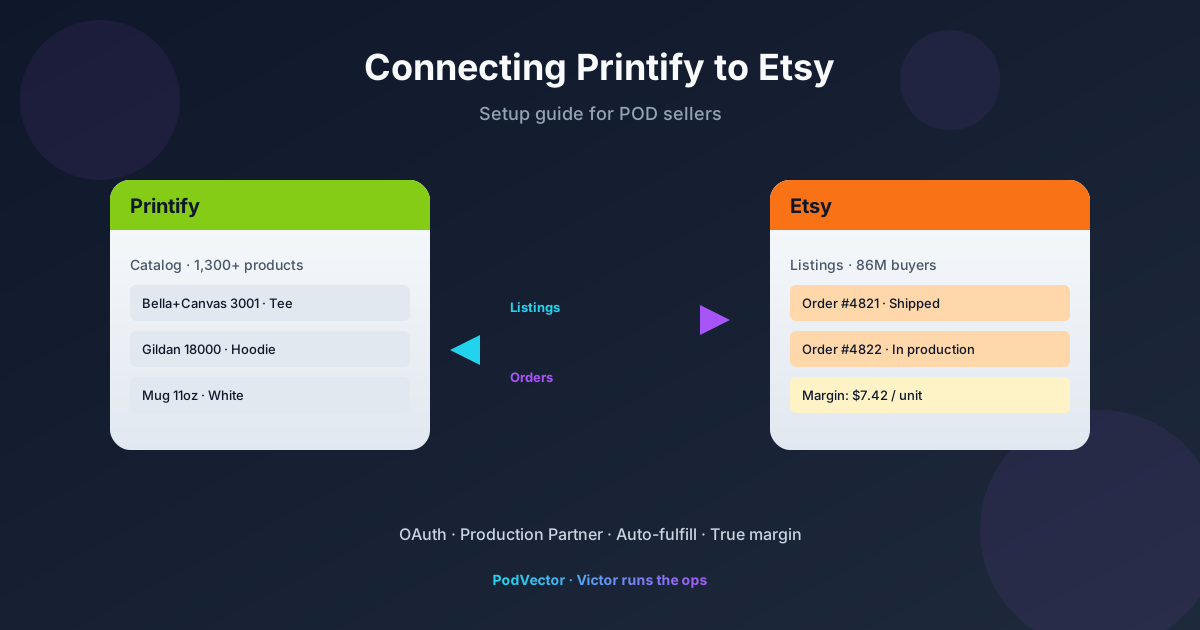
Quick Answer: Open Printify → Manage my stores → Connect → Etsy. Sign in to Etsy, click Grant access, then add Printify as a Production Partner inside your Etsy shop settings. The whole flow takes about five minutes.
What's harder is what comes after: keeping Etsy fees, Printify costs, and shipping reconciled per SKU so you actually know which listings make money. That's where most sellers stall.
Before You Start
Two things have to exist before the connection works: an open Etsy seller account with payment and shipping set up, and a Printify account (free).
If Etsy still has your shop in "in progress" mode, the OAuth handshake will succeed but product publishing will fail silently. Finish onboarding first — billing, return policy, at least one shipping profile.
On the Printify side, no credit card is needed to connect. The free plan covers the integration. Paid plans only matter once volume justifies the discount math.
Connect Printify to Etsy (Step by Step)
From the Printify dashboard, click the store name in the top-left, then Manage my stores.
Click Connect. A grid of sales channels appears — Etsy, Shopify, eBay, Amazon, WooCommerce, Wix, Squarespace, BigCommerce, TikTok Shop.
Select Etsy. Printify redirects you to Etsy's login page. Sign in with the account that owns the shop you're connecting (not a personal browsing account).
Etsy displays a permissions screen listing what Printify will access: listings, orders, shop info. Click Allow access. Printify redirects back to its dashboard, now showing your Etsy shop name as a connected store.
That's the OAuth half. You're not done yet — Etsy also requires Printify listed as a Production Partner inside the shop settings, or new listings get flagged for review.
Add Printify as an Etsy Production Partner
Inside Etsy, go to Shop Manager → Settings → Production partners. Click Add a new production partner.
Fill the form:
- Partner name: Printify
- About: "Print-on-demand provider that fulfills my product designs."
- Location: Worldwide (Printify routes to the nearest of 140+ print facilities)
- How we work together: "I create the designs and Printify handles printing, packaging, and shipping directly to my customer."
Save. You only do this once — every Printify-published listing on this shop now references the partner automatically.
Publish Your First Product
In Printify, click Catalog, pick a blank (Bella+Canvas 3001 tees and unisex hoodies are the most-published Etsy SKUs), then click Start designing.
Upload your design, position it, and select which variants you want to publish (colors and sizes). Each variant you keep adds Etsy listing fees, so be selective — five top colors typically beat sixteen.
Set retail prices. Printify shows the base cost; Etsy will add its 6.5% transaction fee, $0.20 listing fee, and a payment processing fee that varies by country (3% + $0.25 in the US). Build those into the price now or you'll be working for free.
Click Save product, then Publish. Printify pushes the listing to Etsy in draft mode by default. Open Etsy, find the draft, review the SEO title and tags, then publish for real.
How Orders Flow After Connection
Customer buys on Etsy. Etsy notifies Printify within seconds. Printify queues the order for production.
If you have auto-fulfill enabled (default), Printify charges your saved payment method for the base cost and shipping, then routes to a print facility. The buyer's address goes straight to fulfillment — you don't touch it.
If auto-fulfill is off, the order sits in your Printify queue waiting for manual approval. Useful when starting out so you can catch design errors, but it adds 12-24 hours of delay. Most sellers turn it on after the first ten clean orders.
Shipping updates flow back: Printify sends the tracking number to Etsy when the package leaves the facility, and Etsy marks the order shipped for the buyer. You don't have to copy-paste anything.
Troubleshooting Common Issues
"Product published but not showing on Etsy"
Etsy puts new Printify listings in draft. Open Etsy → Listings → Drafts. Review and click Publish. If the draft itself never appeared, the connection token may have expired — disconnect and reconnect from Printify's Manage my stores screen.
"Etsy order isn't appearing in Printify"
Two causes: the order was placed before the listing finished syncing (rare), or the buyer purchased a listing variant that no longer exists in Printify because you edited the SKU after publishing. Avoid editing SKUs on live listings — always create a new product instead.
"Production partner required" warning on listings
You skipped the Production Partner step. Add Printify as a partner in Etsy settings (above), then re-edit each affected listing and select the partner from the dropdown.
"Shipping profile mismatch"
Etsy expects you to assign a shipping profile to every listing, but Printify-published listings come in with a generic one. Build a "POD Default" profile in Etsy (Settings → Shipping settings) with the longest realistic timeframe — 1-2 week processing, 1-2 week shipping — and apply it via the Printify "Shipping" tab on each product before publishing.
What to Track Once It's Live
Connection is the easy part. Profitability tracking is where most Printify-Etsy sellers lose money without realizing it.
Per order, the real cost stack is: Printify base cost + Printify shipping + Etsy 6.5% transaction fee + Etsy 3% + $0.25 payment processing + $0.20 listing renewal + any Etsy Ads spend allocated back. Multiply by variant — a black L tee and a navy 3XL tee don't have the same margin.
Most sellers run two browser tabs (Etsy stats and Printify orders) and never reconcile them. The result: a "bestseller" that's actually losing $1.40 per order once shipping and fees are subtracted, and a sleeper that's quietly funding the shop.
This is where Victor — PodVector's AI employee — earns rent. If your POD business runs on Shopify, Victor pulls Printify orders, Shopify transactions, and Meta/Google ad spend into a single live data layer, then answers questions like "which SKU lost money last week?" or "what's my true margin on the Bella 3001 in navy?" in plain English. Once a pattern is clear, Victor proposes the action — pause this variant, raise that price, reallocate ad budget — and waits for your approval before pulling the trigger.
The integration tutorials all stop at "you're connected." That's where the operator work starts.
FAQs
How long does it take to connect Printify to Etsy?
About five minutes for the OAuth handshake plus another two for the Production Partner step. First product publish adds 10-15 minutes depending on how much you tweak mockups.
Can I connect one Printify account to multiple Etsy shops?
Yes. Repeat the Connect flow once per shop. Printify treats each as a separate "store" in the dropdown, with independent product catalogs.
Do I need Printify Premium to sell on Etsy?
No. The free plan supports the Etsy integration in full. Premium ($29/month) only matters once monthly base-cost savings exceed the subscription — typically around 30-40 orders/month.
What happens if a customer requests a refund?
You refund on Etsy. Printify still charges you for the base cost if production already started. For misprints, contact Printify support — they cover the reprint or refund at no charge if reported within 30 days.
Does Etsy allow Printify drop-shipping?
Yes, with conditions. You must be listed as the designer of the products, and Printify must be declared as your production partner (the step above). Reselling generic blanks without your own designs is against Etsy's handmade policy.
Can I use Printify and another print provider on the same Etsy shop?
Yes. Add each as a separate Production Partner. Useful if Printify can't fulfill a specific product (e.g., custom embroidery) that another provider handles.
Why are my Etsy listings showing higher prices than I set in Printify?
Etsy displays the retail price, not the base cost. The price you set on Printify's product editor is what buyers see — Printify deducts the base cost when the order ships.
Related guides
- Printify with Etsy: Setup Guide for POD Sellers
- Printify Wix Integration: Setup Guide for POD Sellers
- Printify WooCommerce Integration: Setup Guide for POD Sellers
- Printify Integrations cluster
- Printify topic hub
- Zazzle vs Printify: Which Is Best for POD Sellers
- Bella Canvas 3001 Printify Price: Full Breakdown for POD Sellers
- Printify's official Etsy connection help article
Let Victor run the Shopify-Printify ops
Once you're connected, the bottleneck stops being clicks and starts being decisions. Which variant is losing money. Whether to pause ads on a slow listing. When to raise prices before Q4.
If your store runs on Shopify, Victor pulls Printify, Shopify, and your ad accounts into one live warehouse, finds the answer, and proposes the next move with your approval.
Try Victor free