
What "markup" means on Shopify — and how it differs from margin
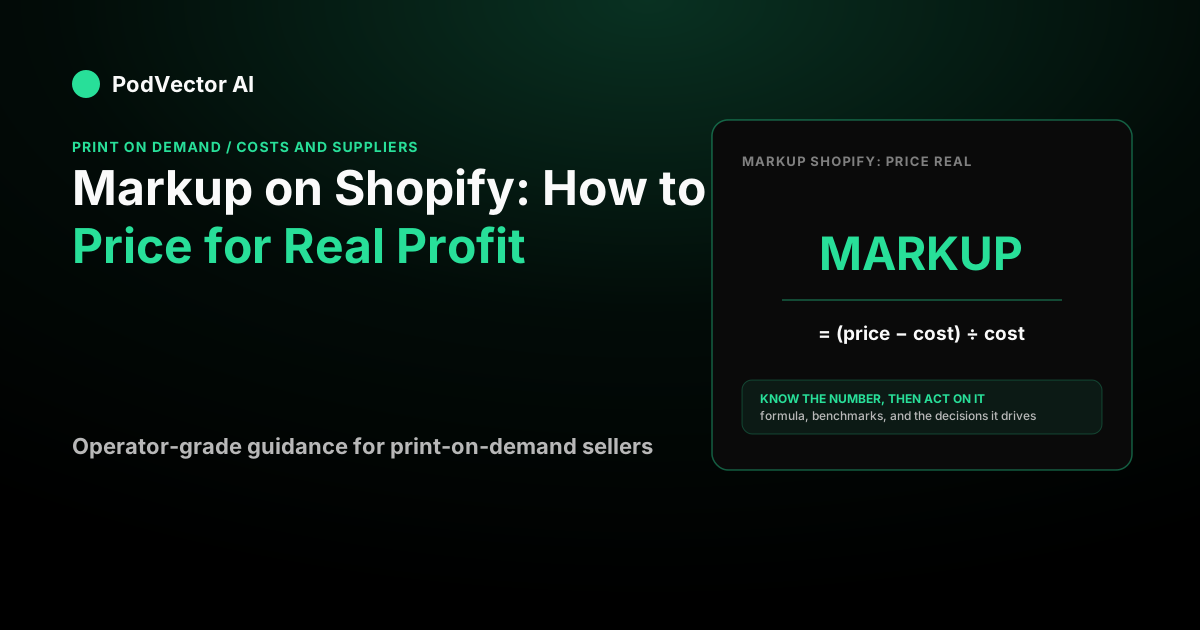
Markup is the amount you add on top of what a product costs you, expressed as a percentage of that cost. As Top Growth Marketing's markup calculator explains, markup % = (Price − Cost) ÷ Cost × 100 — so if a tee costs you $10 and you sell it for $25, your markup is $15 ÷ $10 = 150%.
Margin measures the same $15, but as a share of the selling price instead of the cost. On that $25 tee, the margin is $15 ÷ $25 = 60%. Same dollars, different denominator — which is exactly why the two numbers confuse so many store owners. According to Top Growth Marketing, confusing markup and margin is one of the most common DTC pricing mistakes.
The conversion is worth memorizing: margin = markup ÷ (1 + markup). A 100% markup (doubling your cost) is only a 50% margin. Shopify's own pricing guide defines markup as the percentage added to your product cost, and margin as the percentage of the selling price that remains, so keep straight which one a supplier or app is quoting you.
Here's a quick reference table so neither number catches you off guard:
| Markup % | Selling price on $10 cost | Gross margin % |
|---|---|---|
| 50% | $15.00 | 33% |
| 100% (keystone) | $20.00 | 50% |
| 150% | $25.00 | 60% |
| 200% | $30.00 | 67% |
How to set markup in Shopify (the Cost per item field)
Shopify does not have a "markup %" box. Instead, you set markup indirectly through two fields on each product variant.
In the product editor under Pricing, the Price field is your selling price, and the Cost per item field is what the product costs you. Fill in Cost per item and Shopify auto-calculates and displays your Margin and Profit per unit right there in the editor.
To hit a target markup, do the arithmetic before you type: selling price = cost × (1 + markup). At $10 cost and a 120% target markup, you'd set Price to $10 × 2.2 = $22. Then confirm the Margin figure Shopify shows lines up with your plan.
One important caveat: the Cost per item field is only as honest as the number you put in it. If you type only the blank product cost and ignore what your supplier charges to ship it, Shopify's "Profit" readout will overstate what you actually keep — more on that below.
What markup percentage should you use?
There's no universal answer, but benchmarks give you a floor to price against. According to Shopify's pricing guide, average gross margins run about 33% in general retail and roughly 57% in apparel — meaning apparel sellers price with significantly more room than electronics.
The most common heuristic is keystone pricing: doubling your cost. OneCart's markup guide describes keystone as selling at double your cost — a 100% markup that lands you at a 50% margin as a baseline. According to Top Growth Marketing, below a 100% markup, paid scaling becomes challenging for most DTC brands.
Direct-to-consumer brands typically aim higher. According to Shopify's wholesale pricing guide, DTC retailers often target margins of 55% to 65%, which corresponds to markups of roughly 120% to 185%. If you sell on paid ads, aim for the top of that band or above, because acquisition cost eats margin fast.
According to CS-Cart's ecommerce pricing guide, many ecommerce brands aim for a margin range that keeps the business healthy while staying competitive — and luxury or premium-positioned brands frequently target higher. Use category benchmarks as a sanity check, not a rule. Your right markup is whatever leaves real profit after every cost below is subtracted.
Competitive pricing and value-based considerations
Markup-based pricing is a starting point, not an end state. Two other forces shape what you can actually charge.
Competitor pricing. If a near-identical product sells for $18 everywhere else and you've priced at $28 to hit your markup target, traffic will bounce. Research the going price in your category first, then work backward to a cost structure that makes the markup viable at that price.
Perceived value. Premium positioning — better photography, a stronger brand story, a more distinct design — can justify a higher price point than the competition charges for a commodity version. According to Top Growth Marketing, most DTC brands have meaningful pricing power they aren't using. Raising prices selectively, especially on best-sellers with strong reviews, is often a higher-leverage move than cutting costs.
Dynamic repricing. Cost inputs change: Printify base prices shift, shipping zones adjust, Meta CPMs rise seasonally. A markup that made sense six months ago may no longer hold. Review pricing whenever your supplier costs or ad costs shift materially — as Pricefy's markup guide notes, regular reviews are especially important when costs change or market conditions shift.
The mistake every markup guide makes: markup is not profit
Here's the gap in nearly every "markup on Shopify" article: they treat selling price minus product cost as your profit. It isn't. Three real costs sit between your markup and your bank account.
Supplier shipping. In print-on-demand and dropshipping, your supplier bills you to ship each order — a cost that never appears in the Cost per item field unless you add it. For a deeper look at how this erodes margin, see our guide to POD profit fundamentals with PodVector AI.
Payment processing. Every card charge takes a cut. Shopify Payments charges a per-transaction percentage plus a fixed fee per order, so a bigger sale means a bigger dollar deduction from your margin.
Advertising. If you buy traffic, your customer acquisition cost comes straight out of the same markup. A product that looks like it has a healthy margin can be underwater once you spend to sell it. See our guide on how to run Facebook ads for your Shopify store for how to factor ad spend into your pricing model before you launch a campaign.
Worked example: a Shopify order at "100% markup"
Say you sell a blank tee that costs you $10 and you apply keystone pricing — a 100% markup — for a $20 selling price. Shopify's editor will show a 50% margin. Now add the real world.
| Line | Amount |
|---|---|
| Selling price (100% markup) | $20.00 |
| Shipping charged to customer | $5.00 |
| Customer pays | $25.00 |
| Product cost | −$10.00 |
| Supplier shipping (first item) | −$4.00 |
| Payment fee (Shopify Payments rate × order total + fixed fee) | −$1.03 |
| Profit before ads | ≈ $9.97 |
That $9.97 is real profit — but it's already well under the $10 the "50% margin" implied, and we haven't spent a cent on ads. If your cost to acquire that customer matches or exceeds your remaining profit, this order loses money despite a textbook-healthy markup. That's the whole argument for pricing against true landed cost, not the Cost per item box alone.
Markup on multi-item orders (where the margin actually is)
The single biggest lever most sellers ignore is the second item in a cart. Suppliers charge a full shipping rate on the first item and a much smaller rate on each additional item from the same provider.
Say that same tee has a $4 first-item shipping cost but only about $2 for a second identical tee. A two-tee order at $20 each collects $40 of product revenue against just $6 of supplier shipping — the per-shirt shipping cost nearly halves. Your effective margin climbs without touching your markup at all.
This is why average order value and bundling move POD profit more than shaving base cost does. Set your markup to survive a single-item order, then let bundles and cross-sells widen the margin. According to Top Growth Marketing, value-add bundles are among the highest-leverage moves available to DTC brands trying to improve margin without cutting price.
For channel-specific markup math, our breakdown of Printify's costs walks through base cost and shipping side by side so you can build realistic markup targets before you list. And if you're thinking about expanding to additional channels, see our Printify-to-Etsy setup guide or our Printify Amazon integration guide for how markup math changes by platform.
How ad channel choice changes your markup math
The channel you advertise on affects how much margin your markup needs to absorb. Meta and Google have different cost structures, attribution models, and conversion rates — which changes the minimum markup you need to break even on paid traffic.
Our comparison of Google Ads vs. Facebook Ads for dropshipping covers which channel tends to be more cost-efficient for POD sellers at different margins. The short version: if your markup is tight, channel efficiency matters enormously — a few percentage points of CAC difference can flip a SKU from profitable to underwater. See also our Facebook Ads vs. Google Ads comparison for POD sellers for a deeper side-by-side.
Stop guessing whether your markup actually holds
The hard part isn't the formula — it's knowing your true per-order cost across products when supplier costs, shipping, payment fees, and ad spend all live in different tools. That's what PodVector AI is built for.
PodVector AI connects your Shopify store, Meta Ads, Google Ads, Printify, and Printful so Victor can see every order, every ad dollar, and every supplier cost together. That's how he works out your true per-order profit — the number that survives after every cost is accounted for. Victor, PodVector AI's AI employee, reads that connected data and acts on your Shopify store: for example, repricing your worst-margin SKUs to a target margin, raising your free-shipping threshold, or bulk-updating Shopify prices so your markup holds even after a supplier cost increase. He also reads your ad data to judge which products are actually paying for themselves, and he makes changes in Meta Ads and Google Ads too — he is not limited to Shopify.
If you also run email retention to recapture margin lost on first-order acquisition, Victor can schedule a Klaviyo email campaign directly — see our guide to Klaviyo browse-abandonment flows for POD for the retention side of the equation.
See your true per-order profit with PodVector AI and price your markup against numbers that actually hold up.
FAQs
What is a good markup percentage on Shopify?
There's no single right number, but a 100% markup (keystone pricing) is the common baseline, and many direct-to-consumer brands price higher. Shopify cites 55% to 65% margins for DTC sellers, which corresponds to roughly a 120% to 185% markup. According to Top Growth Marketing, paid scaling becomes difficult below a 100% markup. If you run paid ads, aim for the upper end of that band so acquisition cost doesn't erase your profit.
How do I add markup in Shopify?
Shopify has no direct markup field. Enter your Cost per item on each product variant, then set the Price to cost × (1 + your target markup) — for example, $10 cost at 120% markup means a $22 price. Shopify then displays the resulting margin and profit per unit in the editor.
What's the difference between markup and margin?
Markup is profit as a percentage of cost; margin is profit as a percentage of the selling price. As Top Growth Marketing's markup calculator illustrates, the same product with a 150% markup carries a 60% margin — same dollar gap, two different denominators. Convert between them with margin = markup ÷ (1 + markup).
Does Shopify's profit number include shipping and fees?
No. Shopify's Profit readout is simply Price minus the Cost per item you entered. It doesn't subtract supplier shipping, payment processing fees, or ad spend, so your real profit is always lower than the editor suggests unless you fold those costs into your cost figure manually.
Why are multi-item orders more profitable at the same markup?
Because suppliers charge a full shipping rate on the first item and a reduced rate on each additional item in the same order. That drops your per-unit shipping cost sharply on bundles, widening your margin without any change to your markup — which is why raising average order value beats cutting base cost as a margin lever.
How often should I review my markup?
Whenever your input costs change materially. As Pricefy's markup pricing guide recommends, regular reviews are especially important when costs shift or market conditions change — and for POD sellers that means watching Printify base-price updates, shipping rate changes, and seasonal swings in Meta CPMs, all of which can quietly erode a markup that used to work.