
If you already run Google Ads against a live store, you have seen the number a hundred times. The useful question is not "what is ROAS" but "what is this number actually telling me about my account, and where does it lie to me." That is what this piece answers.
The definition, in one line
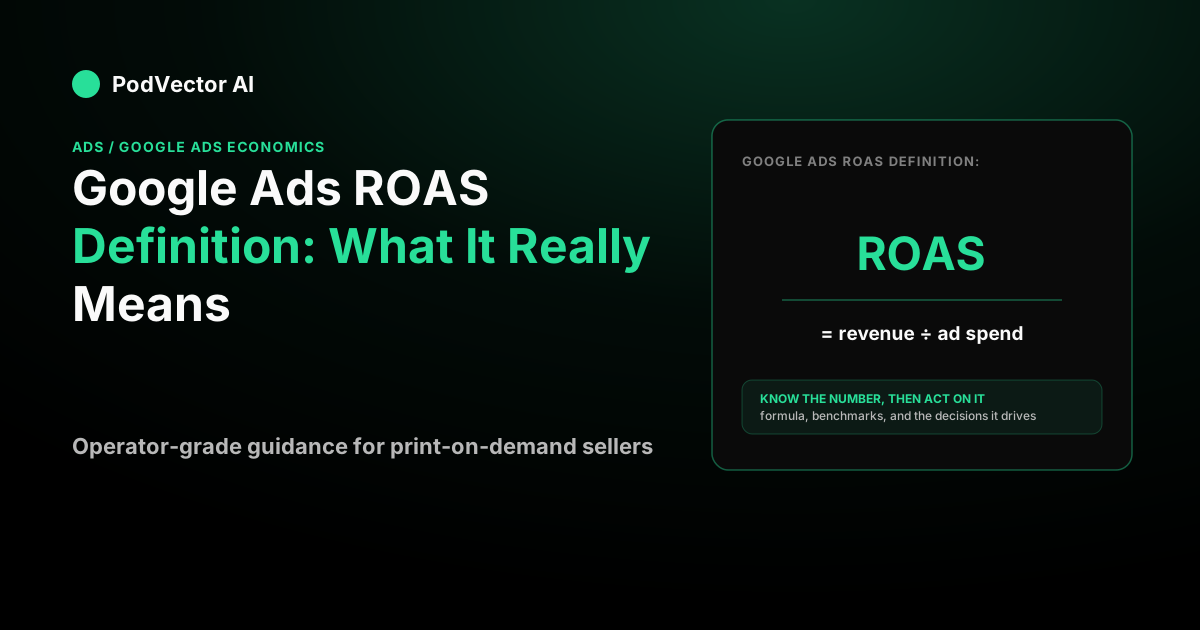
ROAS is a ratio: conversion value divided by cost.
Say your Shopping and Performance Max campaigns drove $12,400 in tracked revenue last month on $3,100 of spend. Your ROAS is $12,400 ÷ $3,100 = 4.0x, or 400% if your tools show it as a percentage. That is the whole formula. There is nothing more to the arithmetic.
The confusion starts with two things: where the number lives inside Google Ads, and what it quietly leaves out.
Where "ROAS" actually appears in Google Ads (the support answer)
Google does not label a column "ROAS." Inside the interface, your ROAS is the "Conv. value / cost" column — conversion value divided by cost, the same ratio under a different name. Add that column to any campaign view and you are looking at ROAS. Practitioners confirm this directly: the Conv. value / cost column is your return on ad spend (AdNabu).
Two support-level traps to know:
- It is only as true as your conversion tracking. ROAS is built from the conversion values Google sees. If a site redeploy drops the tag, or a consent banner suppresses events, the reported value falls and your ROAS reads low even though real orders are fine.
- "Conv. value" is revenue Google credits to the click, not orders you banked. It follows Google's attribution window and model, so it will rarely match your Shopify order total for the same dates one-to-one.
The number that ROAS hides: profit
Here is the part the glossary pages skip. ROAS measures revenue, and revenue is not what you keep.
Say you sell a mug. The print-on-demand base plus fulfillment is $12, your shipping share is $2, and payment processing takes about $1. On a $24 price, your contribution margin is $24 − $15 = $9 per order, or 37.5%.
Now run the account at that 4.0x ROAS. Take the same hypothetical month — the $12,400 of revenue on $3,100 of spend from above — at a $24 average order value, and that is roughly 517 orders. Your contribution before ads is 517 × $9 = $4,653. Subtract the $3,100 you spent on ads, and you cleared about $1,553 — real money, but far from the "four dollars back on every one" that 4.0x suggests.
Drop the margin and the picture flips fast. If the same mug only nets $7 per order, 517 orders returns $3,619 of contribution against $3,100 of spend — barely $500, before you have paid for anything else. The ROAS is identical; the business result is not.
Break-even ROAS: the only benchmark that is actually yours
Every "aim for 3x to 5x" article you have read is guessing at your margins. The real target comes from one line of arithmetic:
Break-even ROAS = 1 ÷ contribution margin.
- 50% margin → break-even 2.0x
- 40% margin → break-even 2.5x
- 37.5% margin (the mug above) → break-even 2.67x
- 30% margin → break-even 3.33x
Above break-even you make money on ads; below it you are buying revenue at a loss. For the mug, anything under 2.67x ROAS is a losing month no matter how healthy "400%" sounds in a blog post. This is arithmetic, not opinion — and it is why a single "good ROAS" number cannot exist across stores. A 3.0x is a win at a 50% margin and a loss at a 30% margin.
If you want the full walk-through of how these economics fit together across Shopping, Search, and Performance Max, our guide to Google Ads economics for operating stores covers the whole portfolio.
Target ROAS: when the definition becomes a lever
Once you are reporting ROAS, Google lets you bid to it. Target ROAS (tROAS) is a smart-bidding strategy that predicts conversion value at each auction and sets your bid to average toward the return you set.
The key mechanic most definitions miss: raising your target is a volume decision disguised as an efficiency decision. Google's own wording is that "setting a target that's too high may limit the amount of traffic your ads may get" (Google Ads Help). Push tROAS from 300% to 500% and the system does not magically become more efficient — it declines the auctions it predicts will not clear the bar, and your spend collapses.
So set the target from your break-even math, not from a benchmark. The common practitioner move is break-even × a profit buffer of roughly 1.2 to 1.5, then step toward the goal in small moves. For the 37.5%-margin mug, that means a tROAS somewhere around 320% to 400%, not "whatever looks aggressive."
tROAS also needs data to behave. Google requires at least 15 conversions in the past 30 days for Search and Shopping before the strategy is eligible (Google Ads Help), but the widely repeated field floor for stable bidding is closer to 50 conversions a month (Search Engine Land). Below that, expect the number to swing week to week regardless of your settings. If you want to understand how the bidding engine reads your signals, the breakdown of how automated bidding allocates your budget is a useful companion read.
Why your ROAS does not match your bank account
Three structural gaps explain most "my ROAS is great but I'm not richer" complaints:
- Attribution and timing. Google credits conversion value by click date and its attribution window; your Shopify revenue is booked by order date. The two rarely line up for the same week.
- Blended brand traffic. If Performance Max absorbs your branded searches, it reports cheap conversions that were coming anyway, inflating ROAS while adding no new orders. Judge non-brand performance separately.
- Benchmarks are context, not targets. Retail-category search CPCs averaged about $4.14 in LocaliQ's mid-decade data with a retail conversion rate near 4.01% (LocaliQ), and CPCs rose across roughly 87% of industries year over year (WordStream via Search Engine Land). Those tell you the weather; your break-even ROAS tells you whether to advertise.
When you are ready to hand the Shopping side to a specialist, our view on working with a Google Shopping ads agency covers what to expect.
How Victor turns ROAS back into profit
Reading ROAS correctly means seeing revenue, ad spend, and real product cost in the same place. That is what Victor, the AI employee inside PodVector AI, does for your store.
Victor connects to Shopify, Google Ads, Meta Ads, Printify, Printful, Gelato, and Klaviyo. Because he already knows your base and fulfillment cost from your supplier — before the first sale — he computes the true per-order profit behind every campaign, not just the headline ROAS. He can tell you which Google Ads campaigns clear your break-even and which only look like they do.
Victor is a full Google Ads operator. With your approval on every write action, he can pause a campaign that is running below break-even, adjust budgets and bids, add negative keywords, or edit an ad — and deliver the numbers behind it as a report to your Google Drive. He is not a dashboard you have to read; he is an employee who does the math and acts on it once you say go.
Put Victor on your Google Ads account and see the true profit behind every ROAS figure.
FAQs
Is ROAS the same as profit?
No. ROAS is revenue divided by ad spend; it ignores your product cost, fulfillment, shipping, and payment fees. A 5.0x ROAS can still lose money on a thin-margin print-on-demand product. Profit only shows up once you subtract all variable costs — which is what break-even ROAS (1 ÷ your contribution margin) captures.
Where do I find ROAS in Google Ads?
Google does not use the word "ROAS" as a column. Add the "Conv. value / cost" column to any campaign or ad-group view — that ratio is your return on ad spend. You can see it at the account, campaign, ad group, or product level.
What is a good ROAS for a Google Ads campaign?
There is no universal number, because it depends entirely on your margin. Compute break-even ROAS as 1 ÷ contribution margin, then add a profit buffer. A 40% margin breaks even at 2.5x; a 30% margin needs 3.33x just to stop losing money. Anything a benchmark article quotes is a starting guess, not your answer.
What is the difference between ROAS and target ROAS?
ROAS is a backward-looking report of what happened. Target ROAS (tROAS) is a smart-bidding strategy where you tell Google the return you want and it bids each auction toward that average. Set the target from your break-even math and trailing actuals — setting it far above what your account has achieved suppresses volume rather than improving efficiency.
Why is my Google Ads ROAS different from my Shopify revenue?
Google reports conversion value credited to a click within its attribution window; Shopify books revenue by order date. The two use different dates and models, so a gap is normal. What should stay stable is the ratio between them — a sudden shift usually means a conversion-tracking problem, not a performance change.
Does a high Performance Max ROAS mean the campaign is working?
Not until you check whether it is eating branded search. Performance Max chases the cheapest conversions, and branded clicks are the cheapest of all, so it can post a spectacular ROAS while adding zero incremental orders. Judge it on non-brand results and on total business orders against total ad spend.