
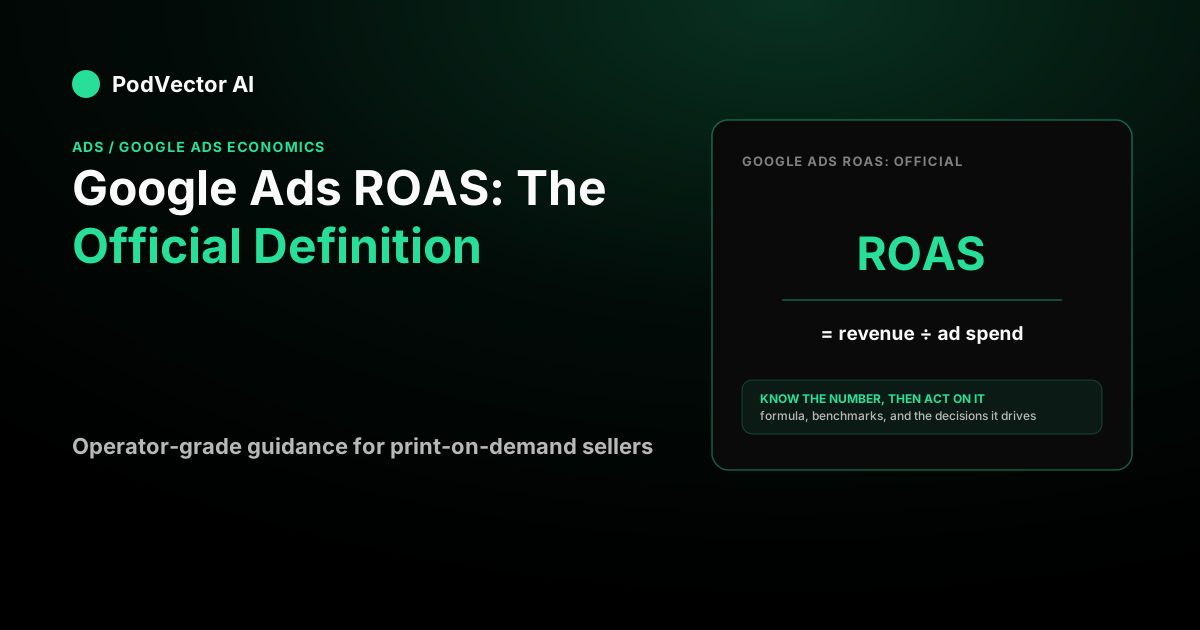
If you already spend on Google and you want the real, platform-sourced meaning of ROAS — not a blog's paraphrase — this is it. The number is exact and useful, but it answers a narrower question than most operators assume. Below is the official definition, how Google computes it, and the gap between "good ROAS" and "made money" that matters once you have a live product feed and a monthly ad bill.
The official Google definition, word for word
Google defines ROAS through its Target ROAS bidding documentation. The strategy "analyzes and uses Google's AI to predict the value of a potential conversion every time a user searches," then bids toward a target return (Google Ads Help). The return itself is the arithmetic every operator already knows:
Conversion value ÷ ad cost. Google's own worked example is "$5 USD in sales ÷ $1 USD in ad spend x 100% = 500% target ROAS" (Google Ads Help).
Two phrasings of the same thing live in the product. The bidding target is written as a percentage (500%). The reporting column, "Conv. value / cost," shows the same ratio as a plain multiple (5.0). They mean identically the same quantity — revenue per dollar spent — just formatted differently.
What "conversion value" actually is
This is the part competing definitions skip, and it's the whole story for a store owner. Google does not see your bank account, your Printify invoice, or your Shopify payout. The conversion value is whatever your tracking reports to Google when an order fires — usually the order's revenue passed through the Shopify–Google integration.
So ROAS is built entirely on reported revenue. If your tag drops, your consent banner suppresses events, or the integration desyncs, the number degrades — and because smart bidding bids on the values it sees, broken value tracking damages your actual bidding, not just your reports.
ROAS is revenue, not profit — the distinction that decides your account
A 5.0x ROAS sounds like winning. Whether it is depends on a number Google never sees: your contribution margin. ROAS stacks revenue against ad spend and stops there. It ignores product cost, fulfillment, shipping, and payment fees — the costs that make or break a print-on-demand order.
Say you sell a mug at $24. Your Printify base plus fulfillment runs $13, your shipping share is about $1.50, and processing fees take another $0.50. That leaves roughly $9 of contribution before any ad spend — a margin near 37.5%. Walk the break-even:
Break-even ROAS = 1 ÷ contribution margin = 1 ÷ 0.375 = 2.67x.
At a reported 5.0x you're comfortably profitable on that mug. At 2.5x you're losing money on every ad-driven order even though Google's column looks positive. The headline ROAS didn't change meaning — your margin did. This is why "ROAS equals profit" is the most expensive misconception in the glossary, and it's the gap our Google Ads economics guide is built around.
Why your break-even number sets the target
The formula above is also how you should set a Target ROAS, not by copying a benchmark. Take break-even and add a profit buffer — practitioners commonly use roughly 1.2x to 1.5x — to get a target that actually leaves money on the table for you.
Google warns about the opposite mistake in plain language: "setting a target that's too high may limit the amount of traffic your ads may get" (Google Ads Help). Raising your target from 300% to 500% is a volume decision disguised as an efficiency decision. The system simply declines auctions it predicts won't clear the higher bar, and spend collapses. That's the machine working as designed, not failing.
How Google actually calculates and bids toward ROAS
Target ROAS needs data before it behaves. Google documents a minimum of at least 15 conversions (with values) in the past 30 days for Search and Shopping campaigns, with other campaign types needing more (Google Ads Help). That 15 is the technical floor. Field practitioners widely report that value-based bidding only stabilizes closer to 50 conversions a month, per guidance like Triple Whale's tROAS breakdown — a convention, not a Google gate, but worth knowing before you judge a thin campaign.
After launch or any significant change — a new target, a budget swing, a conversion-tracking edit — the system re-enters a learning period and performance wobbles for a conversion cycle or two. The honest move is to check your change history before blaming "performance."
For the practical specs behind feeding this machine well, the Performance Max ad specs breakdown covers what the feed and asset groups need.
The trap: high reported ROAS, flat business results
Here's where the official definition and your bank statement part ways. Performance Max chases the cheapest conversions available, and the cheapest of all are your own branded searches — people already looking for you. When PMax absorbs those, its reported ROAS looks spectacular while adding almost no incremental orders.
The number is honest about what it measures; it just measures per-campaign revenue over per-campaign cost, not incrementality. Smart-ecommerce specialist smec illustrates the cost mechanism bluntly: you can end up paying "$1.50 for a click that you could have bought for $0.20" (smec). The fix exists — account-level brand exclusions plus a dedicated brand Search campaign — but the diagnostic habit matters more: judge total business orders against total ad spend, not one campaign's glossy ratio.
This is also why the portfolio question is no longer either/or. Optmyzr's study of 24,702 PMax campaigns found 82% of advertisers run PMax alongside Shopping or Search (Optmyzr). If you're weighing how those pieces fit, Google Shopping ads management services and the broader down-funnel view of a Google Shopping ads agency both go deeper than a glossary entry can.
Benchmarks: context, not a target
Operators often want to know what ROAS is "good." The honest answer is that benchmarks are directional, and a single number is only meaningful next to your margin. For scale, LocaliQ's 2026 retail data puts the average retail-category search CPC at $4.14 with a 4.01% conversion rate (LocaliQ), and WebFX's 2026 ecommerce aggregate frames target ROAS commonly in a 400–600% range (WebFX).
Treat those as weather reports, not instructions. A $4 click is cheap at a 4% conversion rate on a $60 order and ruinous at 1% on a $25 order — arithmetic, not opinion. Costs have also been climbing: WordStream's 2025 data found CPCs rose year over year across most industries, as summarized by Search Engine Land. Your break-even ROAS, not the benchmark, is the line that decides whether a campaign is worth running.
Where Victor fits for operators
Reading ROAS correctly means constantly translating Google's reported number into your real per-order profit — and most tools stop at the reported number. PodVector AI closes that gap. Victor is an AI employee that connects to your live store data, and he computes true per-order profit after product cost, fulfillment, shipping, and fees, so you can see the margin Google's column ignores.
Victor is a full operator on Google Ads, Meta Ads, and Shopping — not a dashboard you stare at. He also works across Shopify, Printify, Printful, Gelato, and Klaviyo, delivers reports to your Google Drive, and can even draft approval-gated customer-support email. Every write action is approval-gated: Victor proposes, you approve before anything executes. Put Victor to work on your store and see your ROAS next to the profit number that actually decides your account.
FAQs
What is the official Google Ads definition of ROAS?
Google defines ROAS as conversion value divided by ad cost, illustrated in its own documentation as "$5 USD in sales ÷ $1 USD in ad spend x 100% = 500% target ROAS" (Google Ads Help). In reporting it appears as the "Conv. value / cost" column, shown as a multiple instead of a percentage.
Is ROAS the same as the "Conv. value / cost" column?
Yes. "Conv. value / cost" is Google's reporting label for ROAS. It's the same revenue-over-cost ratio as a Target ROAS percentage, just formatted as a plain multiple — using Google's own worked example, a 500% target and a 5.0 column entry describe the identical result (Google Ads Help).
Does Google's ROAS include my product costs?
No. ROAS uses only the conversion value your tracking reports — typically order revenue — against ad spend. It never sees your product cost, fulfillment, shipping, or processing fees. That's why a strong ROAS can still lose money on thin print-on-demand margins, and why your break-even ROAS equals one divided by your contribution margin.
What ROAS do I actually need to break even?
Divide one by your contribution margin. A mug netting about $9 on a $24 price carries a margin near 37.5%, so its break-even is roughly 2.67x. Anything below that loses money per ad-driven order even when Google's column reads above zero. Your margin, not a benchmark, sets the line.
How many conversions does Target ROAS need?
Google documents at least 15 conversions with values in the past 30 days for Search and Shopping campaigns (Google Ads Help). That's the technical floor; practitioners report that value-based bidding only stabilizes nearer 50 a month, per guidance like Triple Whale.
Why does my high Google ROAS not match my business growth?
Usually because a campaign — often Performance Max — is absorbing branded searches or conversions you'd have won anyway, inflating its reported ROAS without adding incremental orders. Judge total business orders against total ad spend, and use brand exclusions plus a dedicated brand Search campaign to separate acquisition from harvesting.